





Explore STEM Projects
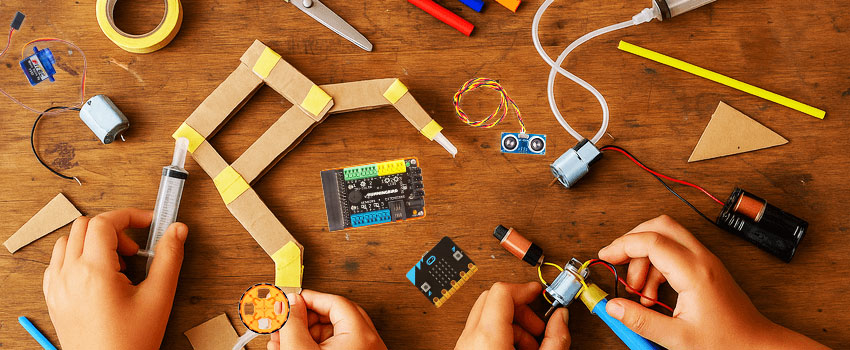
Finding meaningful and engaging STEM projects for your students can be challenging and also time-consuming. To help you save prep time, we’ve curated a collection of our favorite activities in the areas of AI, robotics, engineering, circuits, coding, and more. Each one is designed to get students thinking, creating, and testing like real engineers while bringing fun into your classroom or makerspace.
Hands-On Learning Experiences
Explore engaging STEM activities designed to inspire creativity, problem-solving, and real-world engineering skills.
 01
01
AI Smart Bridge
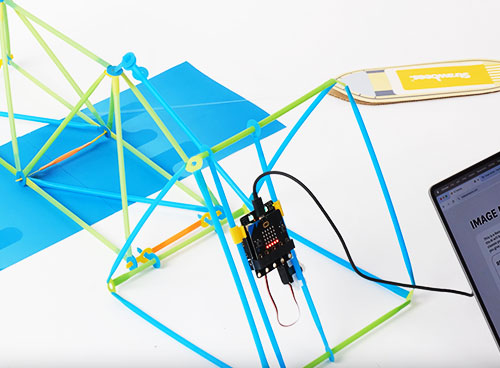
Make an AI SMART BRIDGE using Strawbees and a micro:bit that sees and reacts to boats approaching. Program the bridge so it turns on the red light for cars and then lets the boat pass before the bridge closes again and finally turns the green lights back on.
Explore Project →Moving Book Cover
Bring a BOOK COVER OR STORY SCENE TO LIFE with the Hummingbird Robotics Kit by animating characters and objects using craft materials, servos, LEDs, and code. This project merges art, storytelling, and engineering, turning creative ideas into interactive robotic designs.
Explore Project → 02
02
 03
03
Finch Drawing
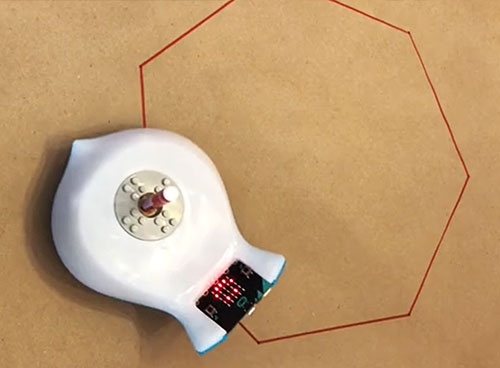
Using the marker port, code and DRAW GEOMETRIC SHAPES. Refine the code and explore angles, speed, and distance while practicing precise movement control. This activity strengthens computational thinking and connects math concepts with robotics.
Explore Project →Tinkering Labs
Invent and engineer a moving machine using motors, switches, wooden parts, and everyday materials with the ELECTRIC MOTORS CATALYST kit from Tinkering Labs. Prototype, test, and redesign to solve open-ended challenges. Turn simple parts into working inventions.
Explore Project →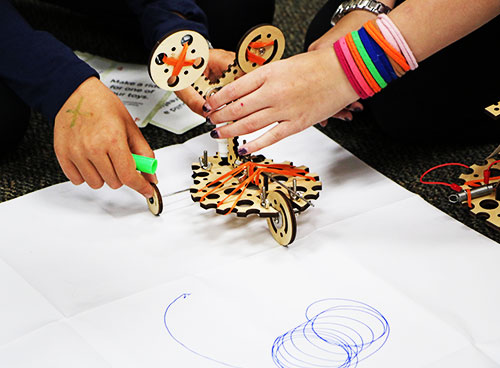 04
04
 05
05
AI Facebot
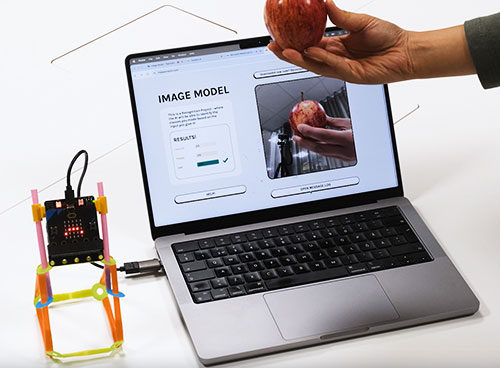
Make an AI FACEBOT and train a computer vision model to recognize real objects, like a battery or an apple. When the camera detects the chosen object, the micro:bit displays a happy or sad face, showing how AI can sort and respond to what it sees.
Explore Project →Makey Makey
MAKEY MAKEY is an invention board that lets you turn everyday conductive items—like foil, coins, or even fruit—into touch-activated buttons. Create custom controls for games, music, or art. Works with the Hummingbird robotics kit to trigger lights, motion, or sound.
Explore Project →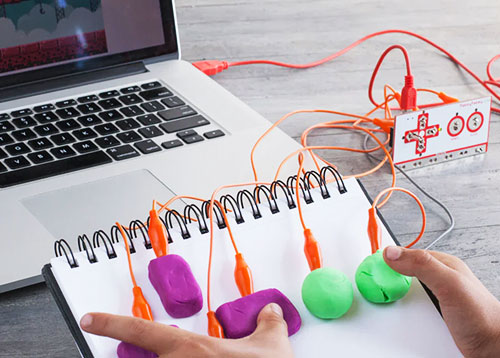 06
06
 07
07
Interactive Game
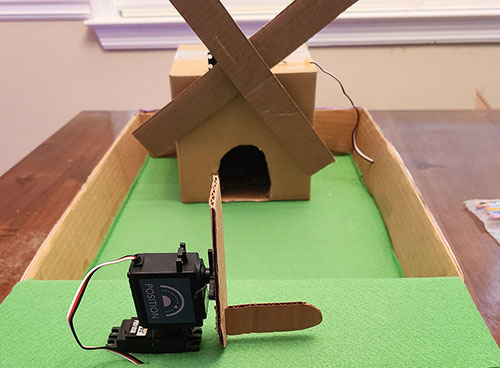
Design and build a MINI-GOLF OBSTACLE or interactive game using the Hummingbird Robotics Kit. Combine craft materials with sensors, servos, and LEDs. This project blends engineering, creativity, and problem-solving as students prototype and test real robotic mechanisms.
Explore Project →Automated Crane
Design and code an AUTOMATED CRANE using Strawbees and a micro:bit to lift and move objects. Learn how motors, levers, and mechanical linkages work while practicing engineering design and problem-solving.
Explore Project →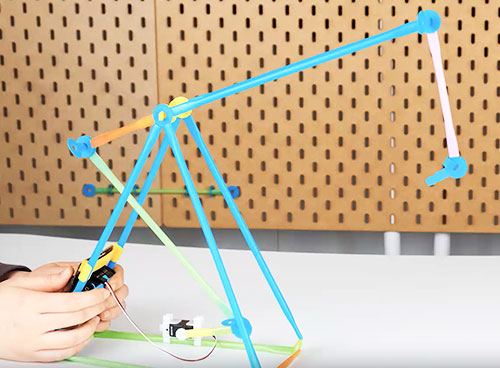 08
08
 09
09
AI with Finch
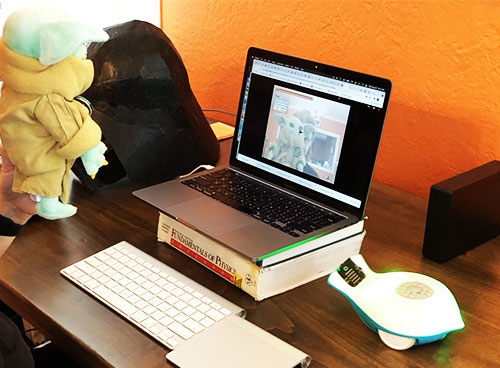
Train an IMAGE OR AUDIO RECOGNITION MODEL, then program the Finch Robot to react to what the camera sees or what the microphone detects. This activity shows how AI and robotics work together, using real data to drive physical actions.
Explore Project →Catapult Project
Make a MOTORIZED CATAPULT using the Hummingbird Robotics Kit, experimenting with how motion, force, and angle affect a projectile. By coding a servo-powered launch mechanism and testing different designs, you can explore real engineering principles.
Explore Project →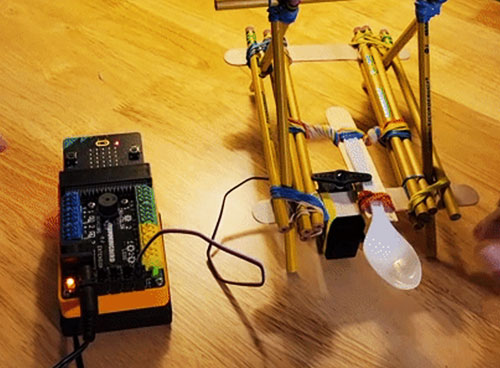 10
10
 11
11
Robot Mazes
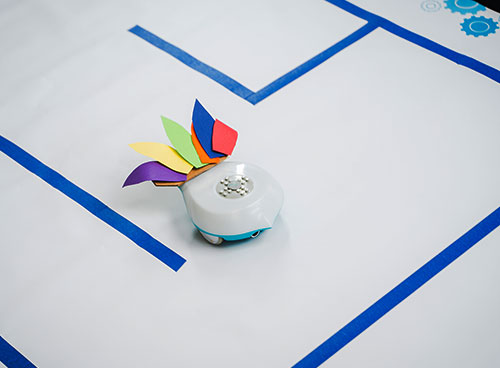
Design a maze and PROGRAM THE FINCH ROBOT to navigate it using precise movement or sensors. Test, troubleshoot, and explore measurement and angles. This activity builds computational thinking and shows how robots use logic to solve challenges.
Explore Project →Rolling Rover
Build and program a ROLLING ROVER using rotation servos and craft materials. Experiment with speed, turning, and optional sensors that detect obstacles or follow paths. This project explores motion, control, and problem-solving through robotics.
Explore Project →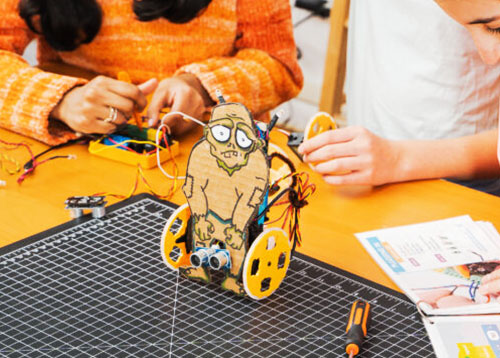 12
12
 13
13
Bristlebots
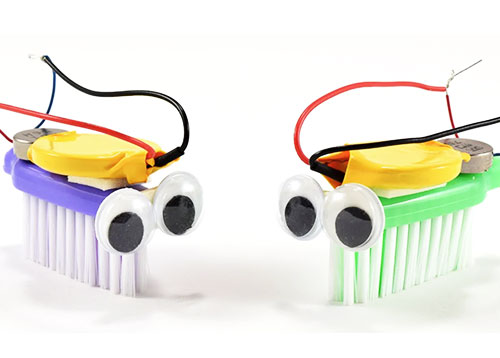
Make a BRISTLEBOT ROBOT using a toothbrush, a coin-cell battery, and a vibration motor. Watch it wobble, race, and change direction based on balance and weight placement. This project teaches circuits, motion, and problem-solving through experimentation.
Explore Project →Battle Bots
Program your Finch Robot for battle and go head-to-head in a BATTLEBOTS-STYLE SHOWDOWN. Winning comes from a mix of programming skill and strategy, as you tweak speed, movement, and tactics through each match.
Explore Project →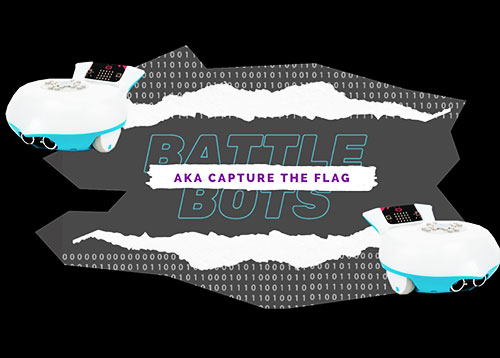 14
14
 15
15
Pinball Game
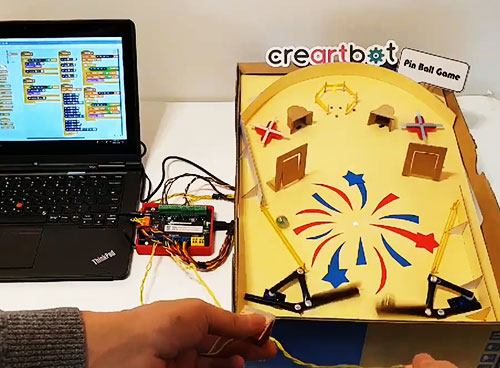
Explore physics concepts like force and angles by building a PINBALL GAME. Design flippers and bumpers using servos, sensors, and code to control interactions. Discover how engineering and physics work together to create a fast-moving game.
Explore Project →Robot Jousting
Program the FINCH 2.0 ROBOT to “joust” by knocking a ping-pong ball off a target. Engineer a custom “lance” and experiment with speed, direction, and control to improve accuracy. This challenge is great for problem-solving and iterative testing.
Explore Project →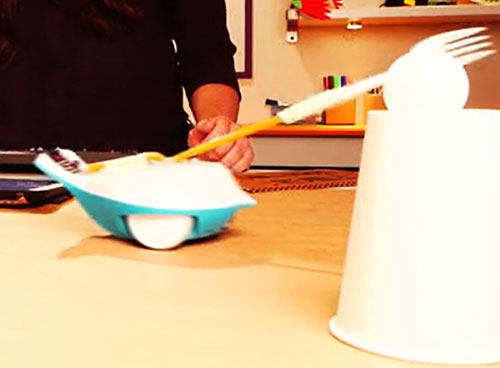 16
16
 17
17
DC Motor Mini-Car
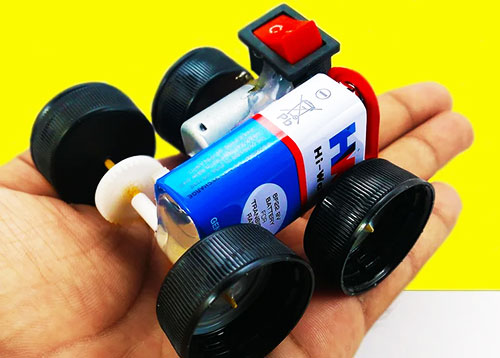
Build a MINI ELECTRIC CAR using a DC motor, gears, wheels, and simple craft materials. Learn how gears and motors convert electrical energy into motion as you experiment with speed, balance, and battery power. Explore basic circuits and real-world mechanics.
Explore Project →Robotic Hand
CREATE A ROBOTIC HAND using craft materials and the Hummingbird Robotics Kit. Program servos to pull each “tendon,” making the hand move like real muscles. This project blends engineering and biology, helping teach motion through a working robotic model.
Explore Project →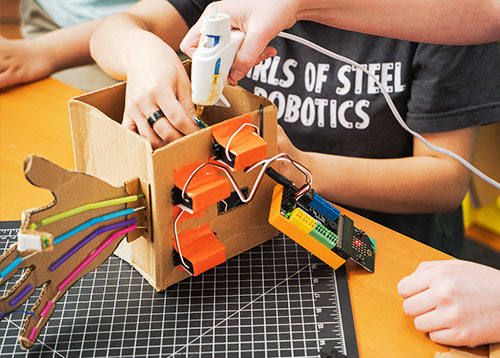 18
18
 19
19
Robot Bowling
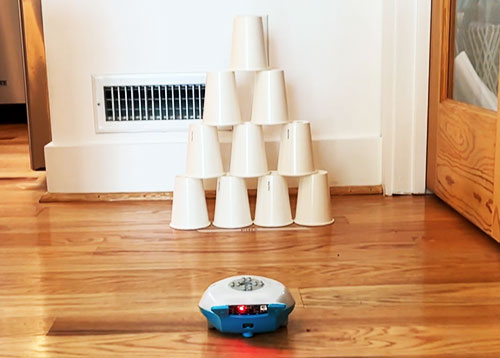
Go ROBOT BOWLING by programming the Finch Robot to act as a bowling ball, by adjusting speed, direction, and alignment to knock down a set of pins. Through testing and refining the code, students learn programming and problem-solving skills.
Explore Project →Circuit Tiles
Create reusable CIRCUIT TILES to explore switches, LEDs, motors, and battery connections on a board. Snap together different tiles to build working circuits and experiment with how electricity flows. This project teaches circuit design through hands-on building and remixable parts.
Explore Project →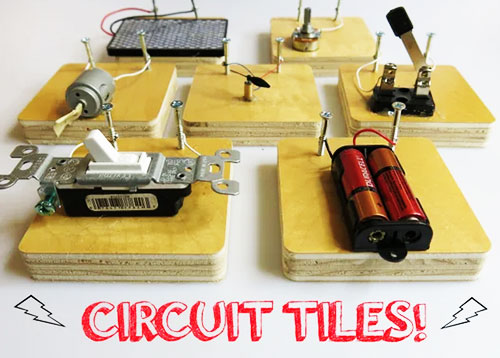 20
20
 21
21
Animatronic Anatomy
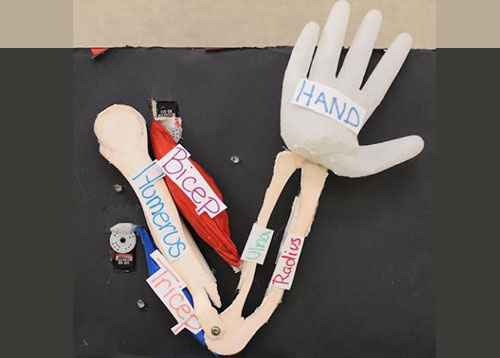
Create ANIMATRONIC ANATOMY with the Hummingbird Robotics Kit by building and programming a moving model of an arm, leg, or body part. Use servos and sensors to mimic muscles and joints, making it easier to visualize how the body moves.
Explore Project →Simple Hydraulics
Build a CARDBOARD ROBOTIC ARM powered by plastic syringes to learn how hydraulics work. Push and pull the syringes to move each joint and explore how fluid pressure creates motion. This project teaches force, control, and real-world hydraulic principles without electronics.
Explore Project →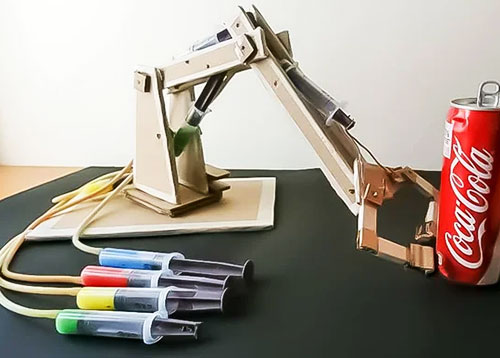 22
22
 23
23
Mechanisms
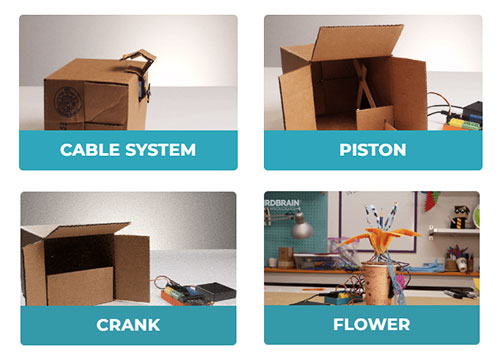
Learn how to BUILD SIMPLE MECHANISMS like linkages, cams, cranks, levers and more. Everyday craft materials can become working robotic components powered by servos and motors. It’s a perfect resource for adding motion to any STEM project.
Explore Project →Line Tracking
Program the Finch Robot to follow a path using its LINE-TRACKING SENSOR. Learn how sensors collect data and how robots make decisions from it. This activity builds debugging skills and shows how autonomous systems navigate the world.
Explore Project →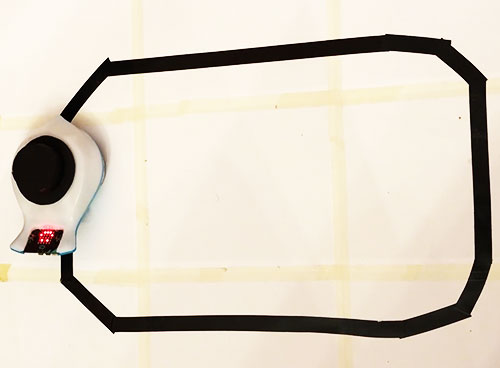 24
24
 25
25
Strawbeest
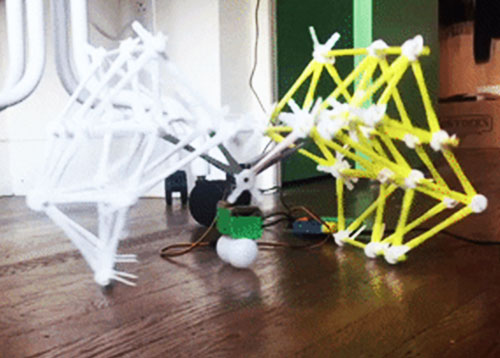
Inspired by artist Theo Jansen’s Strandbeest—wind-powered walking sculptures—BUILD YOUR OWN “STRAWBEEST” using Strawbees and the Hummingbird Robotics Kit. Use servos to power the legs and explore how linkages create a walking motion.
Explore Project →Python Lessons
Explore 16 PYTHON CODING LESSONS that teach how to control the Finch Robot using text-based programming and its built-in sensors. From movement and line tracking to drawing, sounds, and data-driven decisions, these activities build core computer science skills.
Explore Project →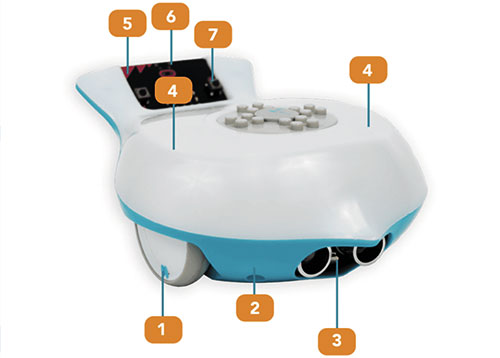 26
26