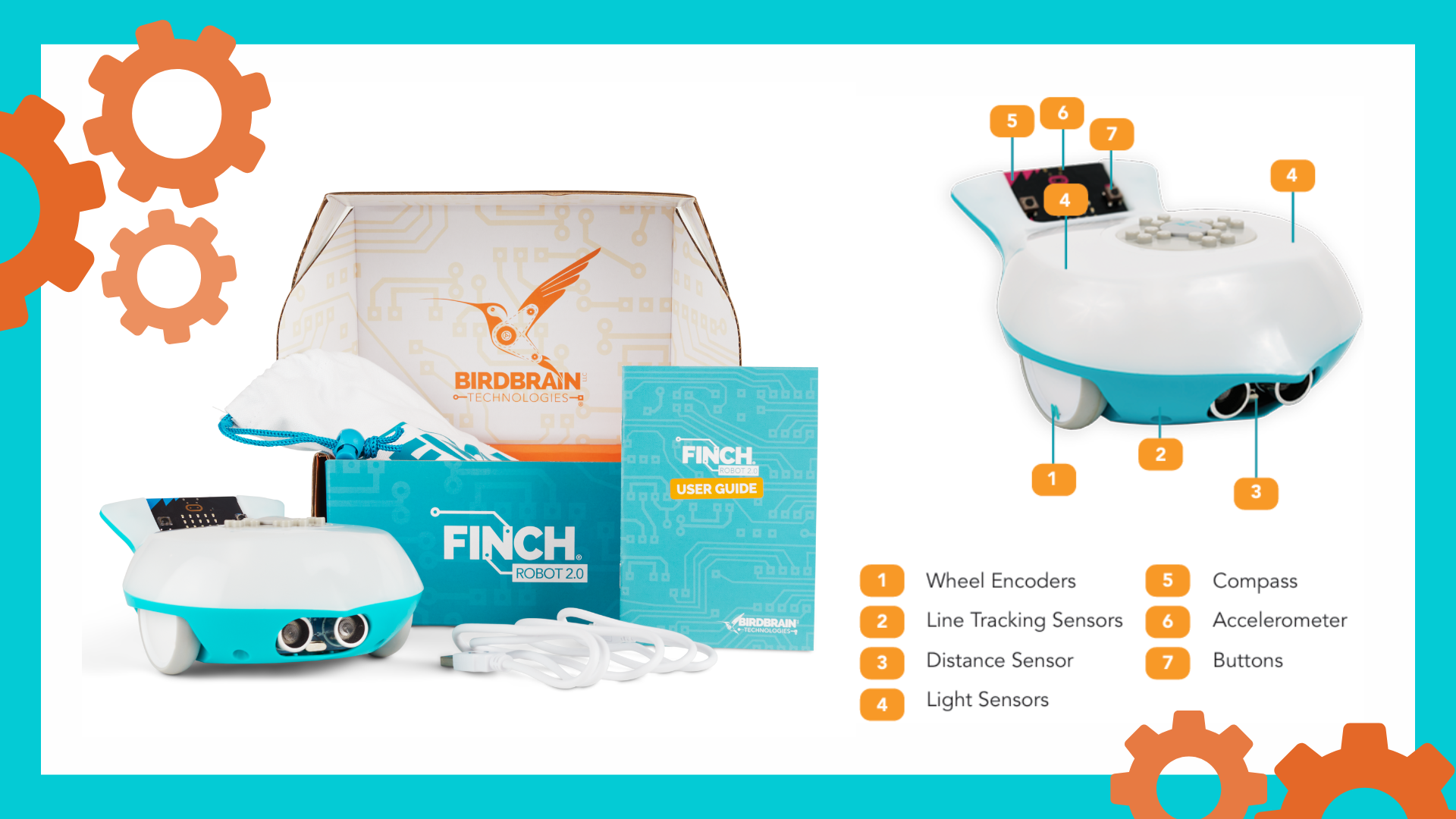




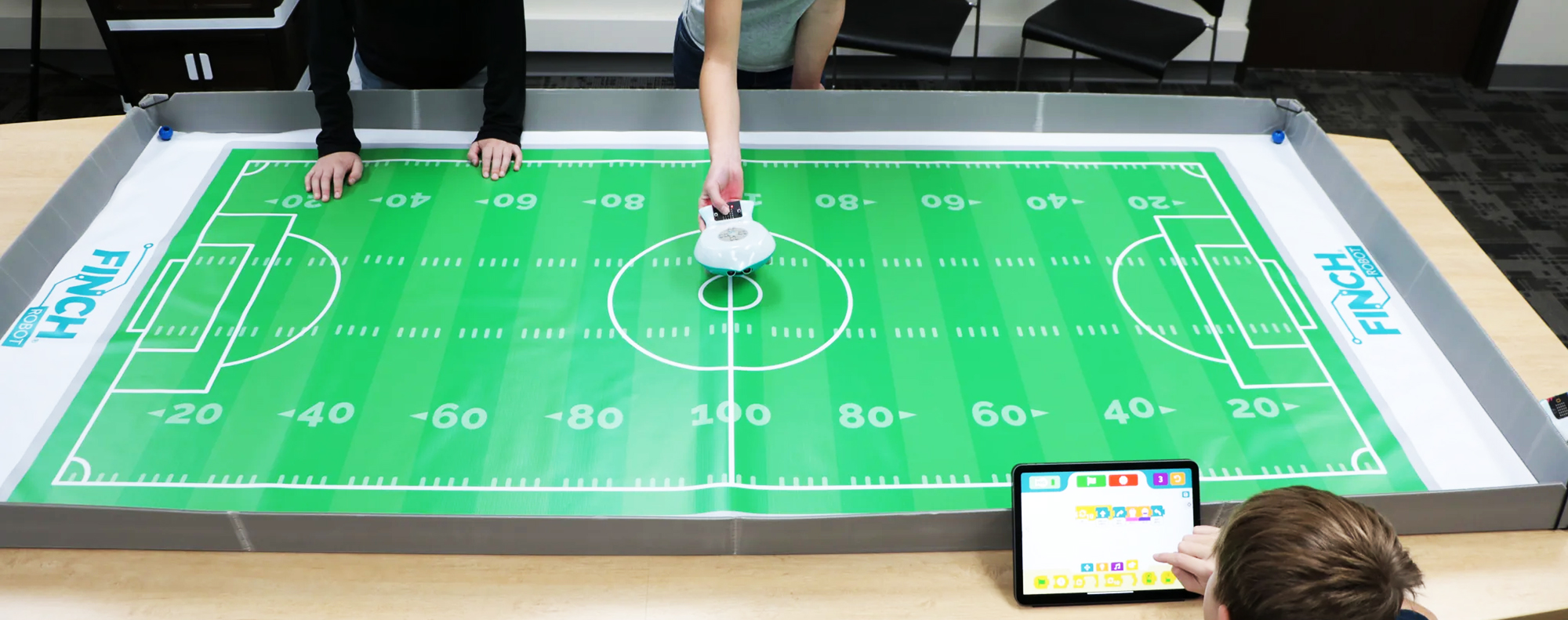
The Finch Robot 2.0 is a favorite among K–12 educators, but what really unlocks its power is giving students meaningful challenges that blend creativity, problem‑solving, and real computer science skills – without hours of prep.
Below, you’ll find eight high-impact Finch Robot activities that teachers consistently use to boost engagement, build coding confidence, and help students see robotics as more than movement on a screen. Whether you’re teaching block coding in elementary or introducing Python in high school, these ideas are classroom-tested, low-prep, and designed to scale with your learners.
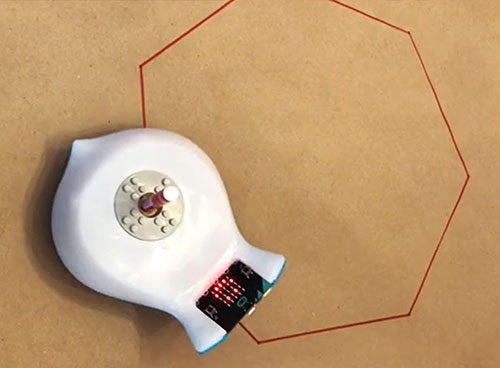
Finch Drawing
Using the marker port, code and draw geometric shapes. Refine the code and explore angles, speed, and distance while practicing precise movement control. This activity strengthens computational thinking and connects math concepts with robotics.
AI with Finch
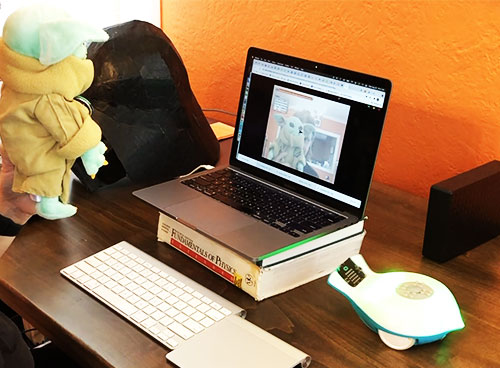
Train an image or audio recognition model, then program the Finch Robot to react to what the camera sees or what the microphone detects. This activity shows how AI and robotics work together, using real data to drive physical actions.
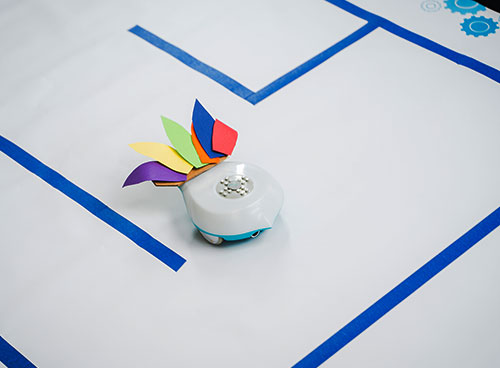
Robot Mazes
Design a maze and program the Finch Robot to navigate it using precise movement or sensors. Test, troubleshoot, and explore measurement and angles. This activity builds computational thinking and shows how robots use logic to solve challenges.
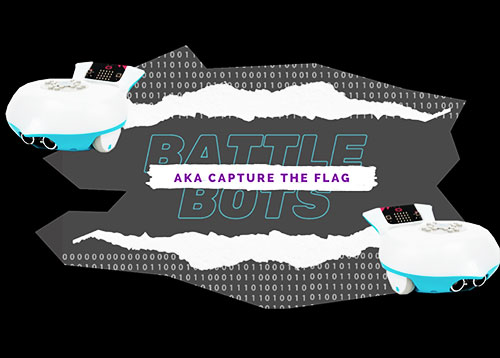
Battle Bots
Program your Finch Robot for battle and go head-to-head in a BattleBots-style showdown. Winning comes from a mix of programming skill and strategy, as you tweak speed, movement, and tactics through each match.
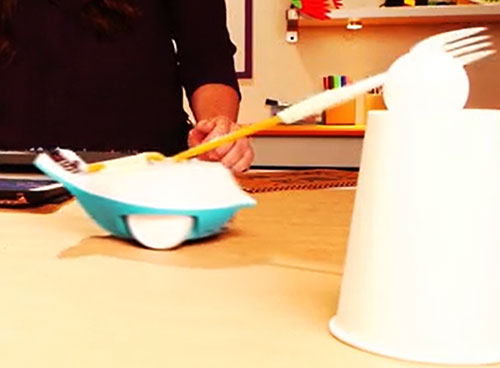
Robot Jousting
Program the Finch 2.0 Robot to “joust” by knocking a ping-pong ball off a target. Engineer a custom “lance” and experiment with speed, direction, and control to improve accuracy. This challenge is great for problem-solving and iterative testing.
Python Lessons
Explore 16 Python coding lessons that teach how to control the Finch Robot using text-based programming and its built-in sensors. From movement and line tracking to drawing, sounds, and data-driven decisions, these activities build core computer science skills.
Robot Bowling
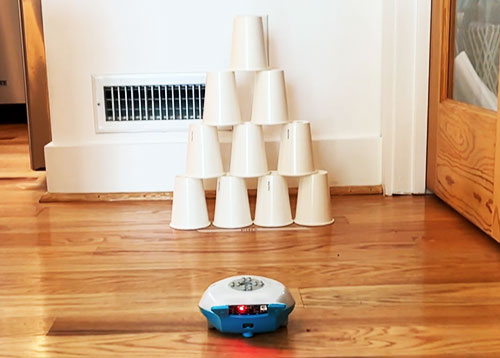
Go robot bowling by programming the Finch Robot to act as a bowling ball, by adjusting speed, direction, and alignment to knock down a set of pins. Through testing and refining the code, students learn programming and problem-solving skills.
Line Tracking
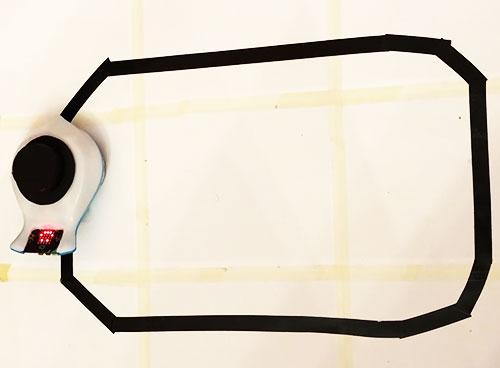
Program the Finch Robot to follow a path using its line-tracking sensor. Learn how sensors collect data and how robots make decisions from it. This activity builds debugging skills and shows how autonomous systems navigate the world.
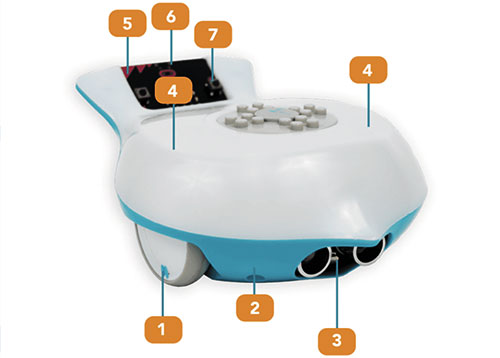
Finch Robot 2.0
The Finch Robot 2.0 is a classroom-ready robot designed to help students learn coding, robotics, and AI through hands-on exploration. With built-in sensors, support for block and text-based programming, Finch grows with students from elementary through high school. Learn more about the Finch Robot 2.0 and see how it can support hands-on coding in your K-12 classroom or makerspace.